
Help
Common questions about your notes, sync and license.
Chrome extension — See setup and requirements
Open the same note on Mac and iPhone
The license unlocks the app; iCloud sync is a separate setting and starts off.
- Use the same Apple Account for iCloud on both devices. Install Flyout on your Mac and the Flyout iPhone app.
- Turn on iCloud sync in Flyout’s settings on each device. If the app asks to restart, restart it.
- Create a short test note on one device, then check the library on the other. Allow the first sync to finish before editing the same note on both devices.
If the note has not arrived, check the sync status and connection on both devices. Do not delete the source note or reinstall to force a sync. Your local version histories are separate and do not sync.
Restore an earlier version of a note
For example, if a paragraph was replaced, check the history on the device where that paragraph was present.
- On Mac, right-click the note in the library or a quick-page tab and choose “Version history”. On iPhone, use the note’s ⋯ menu or long-press the quick-page tab.
- Find a saved entry by its date and first-line preview, then choose “Restore”.
- Confirm the replacement, then check the note. Restoring changes the current content; with sync enabled, that restored content can also reach your other devices.
History is local to each device and is pruned to at most 20 versions per note and 30 days. It is not a record of every keystroke or a full backup. Locked notes do not keep version history.
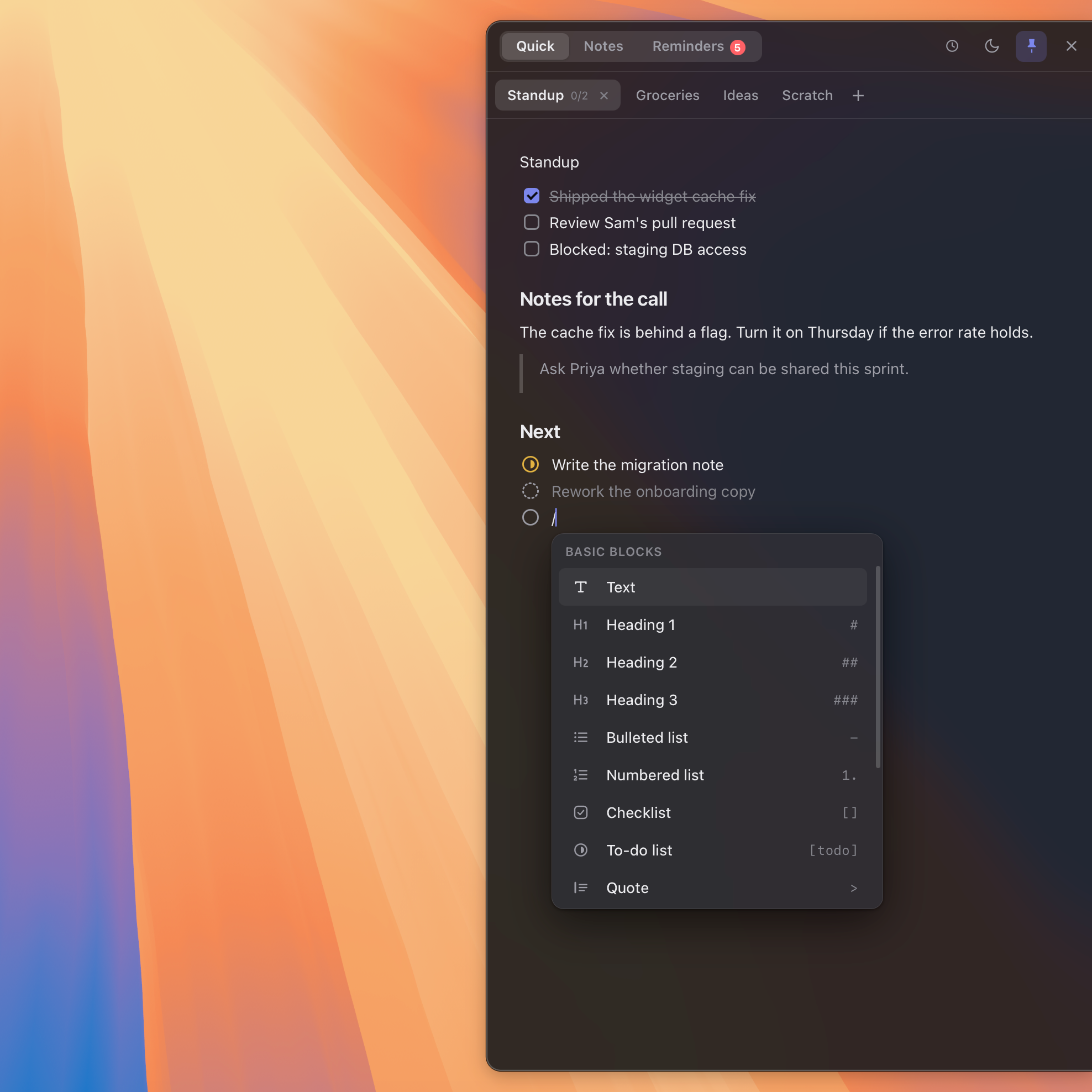
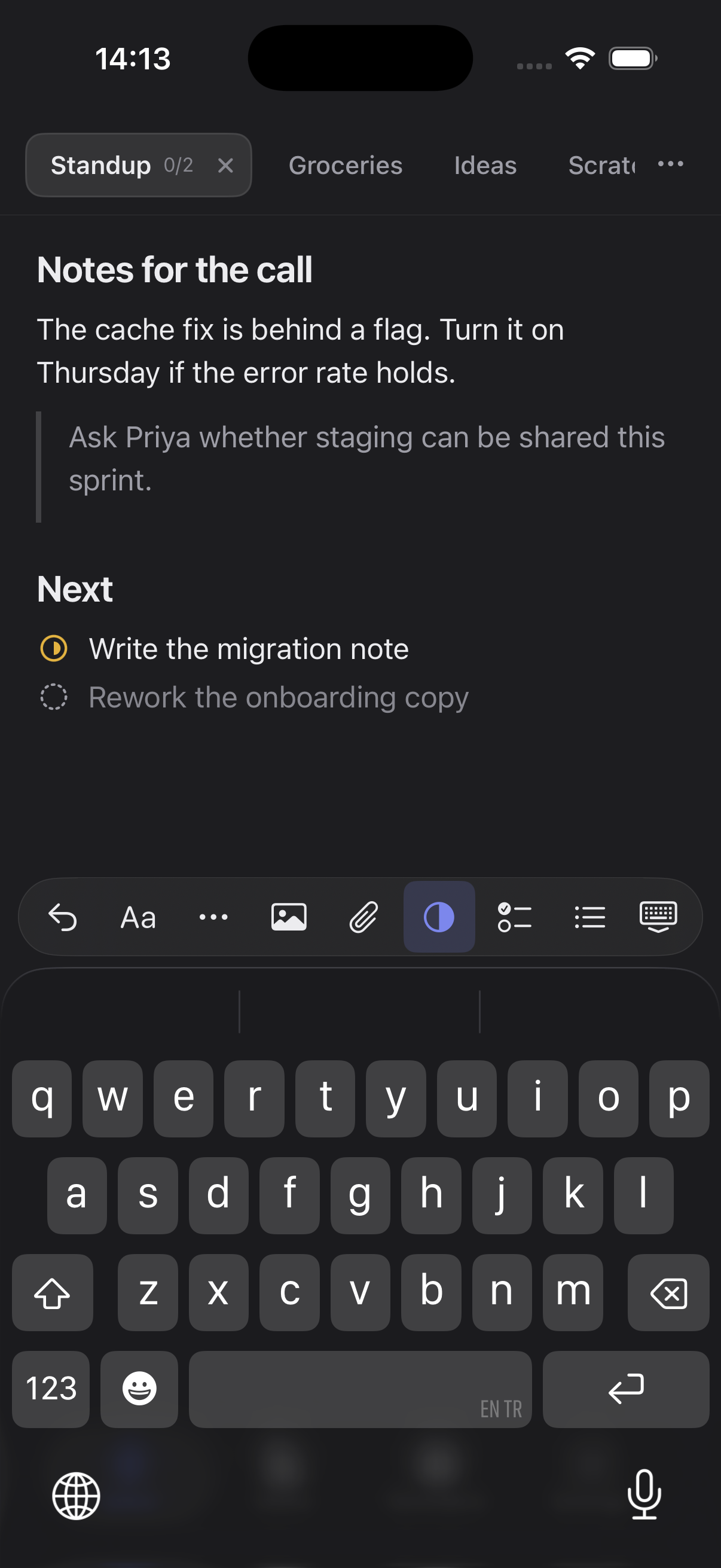
Illustration with example versions
I installed Flyout but nothing happens when I open it
Flyout has no window of its own and no Dock icon: it lives in the menu bar and slides in from the edge of your screen. Nudge your pointer against the right edge of the screen, or press ⌥⌘N from anywhere. You can switch the edge, change the shortcut or show a Dock icon in Settings, which you reach from the Flyout icon in the menu bar.
I see a blank or welcome page instead of my notes
Check Flyout on the device where you wrote the notes. If iCloud sync was enabled, confirm that both devices use the same Apple Account and have sync turned on in Flyout. Check the sync status before changing anything. If sync was off, the notes stay on the original device. Entering a license does not move or erase notes.
I moved to a new Mac or reinstalled Flyout. Where are my notes?
If the original device had iCloud sync enabled, use the same Apple Account and enable sync in Flyout on the new Mac. Wait for the first sync and check its status. If sync was off, the notes remain on the original device; reinstalling does not create a cloud copy.
I forgot my lock password
Use the recovery code you were given when you set the lock up: on the unlock screen, try your password twice and a “Use recovery code” button appears. If the code is gone too, the encrypted notes cannot be recovered by anyone, including us — Settings › Lock › Reset the lock clears the vault so you can start again; those notes move to the Trash unreadable. If your password is definitely correct but nothing opens, check Settings › Lock for a “Two locks found” warning: two Macs can each set up a lock before they sync with one another, and notes locked on the other Mac only open there.
Touch ID does not unlock my notes
Touch ID is a shortcut for the password, not a replacement, so the password always works. The stored key is deliberately dropped whenever the Mac’s fingerprint records change, so after adding or removing a fingerprint you will be asked for the password once and Touch ID resumes afterwards. You can also switch it off in Settings › Lock, which deletes the key kept on this Mac.
I can’t export or copy a locked note
That is deliberate: exporting or copying would write the note back out as plain text, which is the one thing the lock exists to prevent. Locked notes are also left out of the widget. Remove the lock on the note (Settings › Lock also has “Remove every lock” for all of them at once) and everything works normally again.
How do I move my license to another Mac?
On the old Mac, open Settings › License and choose Deactivate this Mac to free the seat. Then enter your key on the new Mac. One license covers five devices across Mac, iPhone and iPad by default.
I lost my license key
Go to the recovery page and enter the email you bought with. We resend your key to that address.
My trial ended. How do I buy?
Buy a license at getflyout.app. It is a one-time purchase, not a subscription, and your notes and settings stay exactly as they were.
How do I connect Codex or Claude to my notes?
Install the Flyout plugin for your AI client, then open Flyout Settings › Agent Access. Turn on Allow agent access, choose Add connection, pick its permissions and either All notes or Only selected folders, then choose Pair connection. Letting the connection open Flyout when it is closed is a separate choice, off by default. The Mac app and plugin must both support Agent Access; installing a plugin alone grants nothing.
Can an AI service see all my notes?
Only if you allow it. A connection reads either all notes or only the folders you select; locked and trashed notes always stay out of reach. Permitted note content may be sent to the AI service you use with that connection, under that service’s own terms. Our servers do not receive the content. Turn Agent Access off or remove the connection in Settings to stop future access; content already sent to the service cannot be recalled. Deleting a note still needs separate approval in Flyout.