Share sheet
Send text or a link from another app. Flyout collects it when you next open the app.
 Flyout for Mobile
Capture an idea on your iPhone. Open your notes and editor side by side on iPad, with code blocks, tables, tasks and reminders.
Try every feature for 7 days · iOS 18+ / iPadOS 18+


Flyout / iPad
In a wide iPad window, keep the note list beside the editor. Open a folder, choose a note and work on its code, tables and tasks.
Narrow the window for a single column. Expand it to see the list and editor together again.
Flyout / Mobile
Start where you are. There is more than one way into your next note.
Send text or a link from another app. Flyout collects it when you next open the app.
Keep a chosen note within reach. Tap the widget to open it in Flyout.
Add a Flyout control and choose the note or quick page it opens.
Create a quick note or open a chosen one. Assign the shortcut to your Action button on supported iPhones.
Headings, lists, tables and code blocks with syntax highlighting on iPhone and iPad. Add images and files without splitting the context across apps.
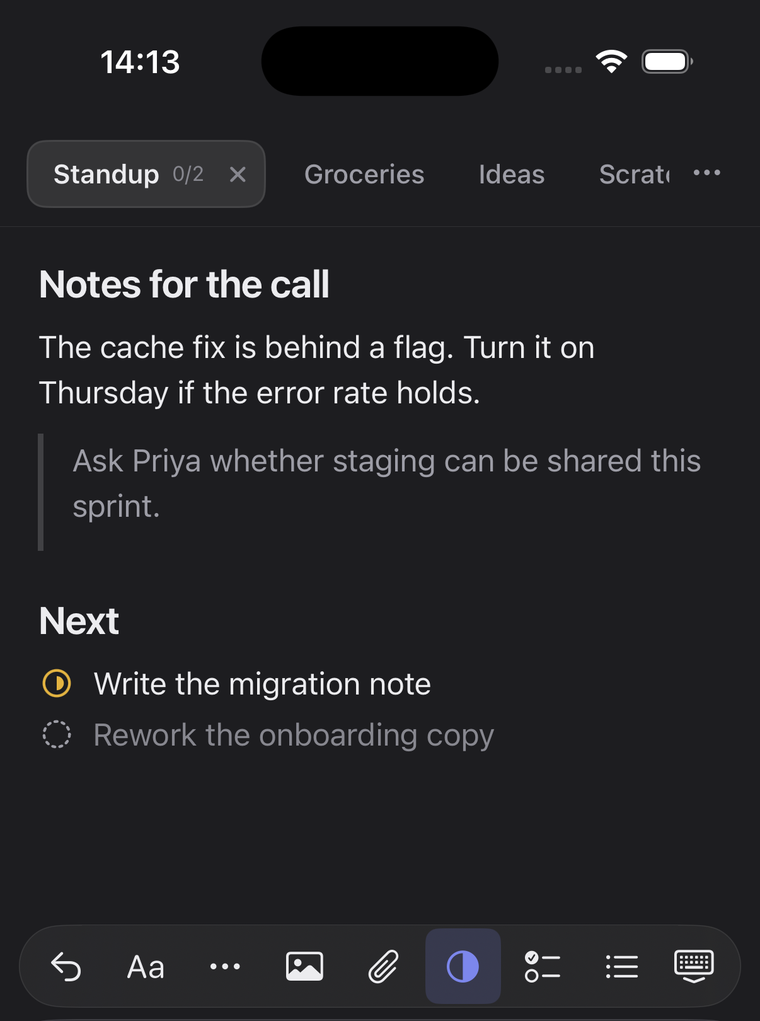
Give each task a status, add your own stages and keep the instructions beside it. Attach a reminder to a line and return there from the notification.
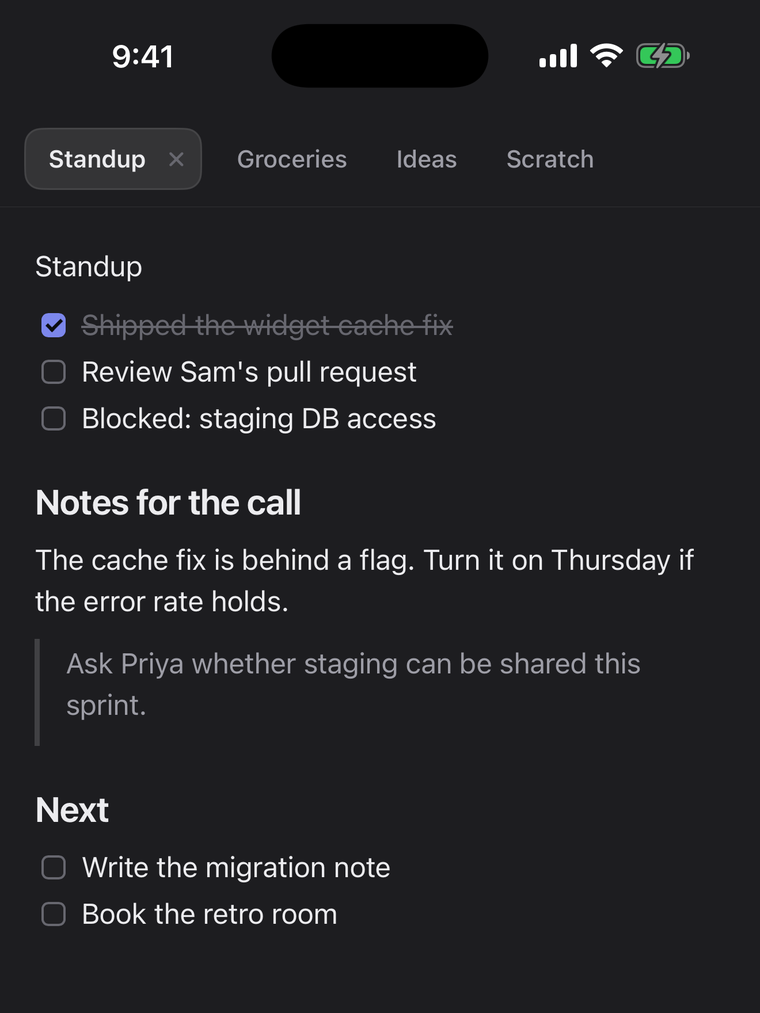
Quick / Notes
Keep a few quick pages in tabs for passing thoughts. Use folders, tags and search when a note needs a place in your library.
Choose an app theme. Give a note one of 38 paper colours. Your theme is a device preference; note colours can travel with iCloud sync.
The Sintra train leaves at 8:40; buy the ticket at the station.
The Sintra train leaves at 8:40; buy the ticket at the station.
The Sintra train leaves at 8:40; buy the ticket at the station.
iPhone + iPad + Mac
Keep notes, task statuses and attachments in your own iCloud account. Use the same Apple Account and turn on sync in Flyout on each device.
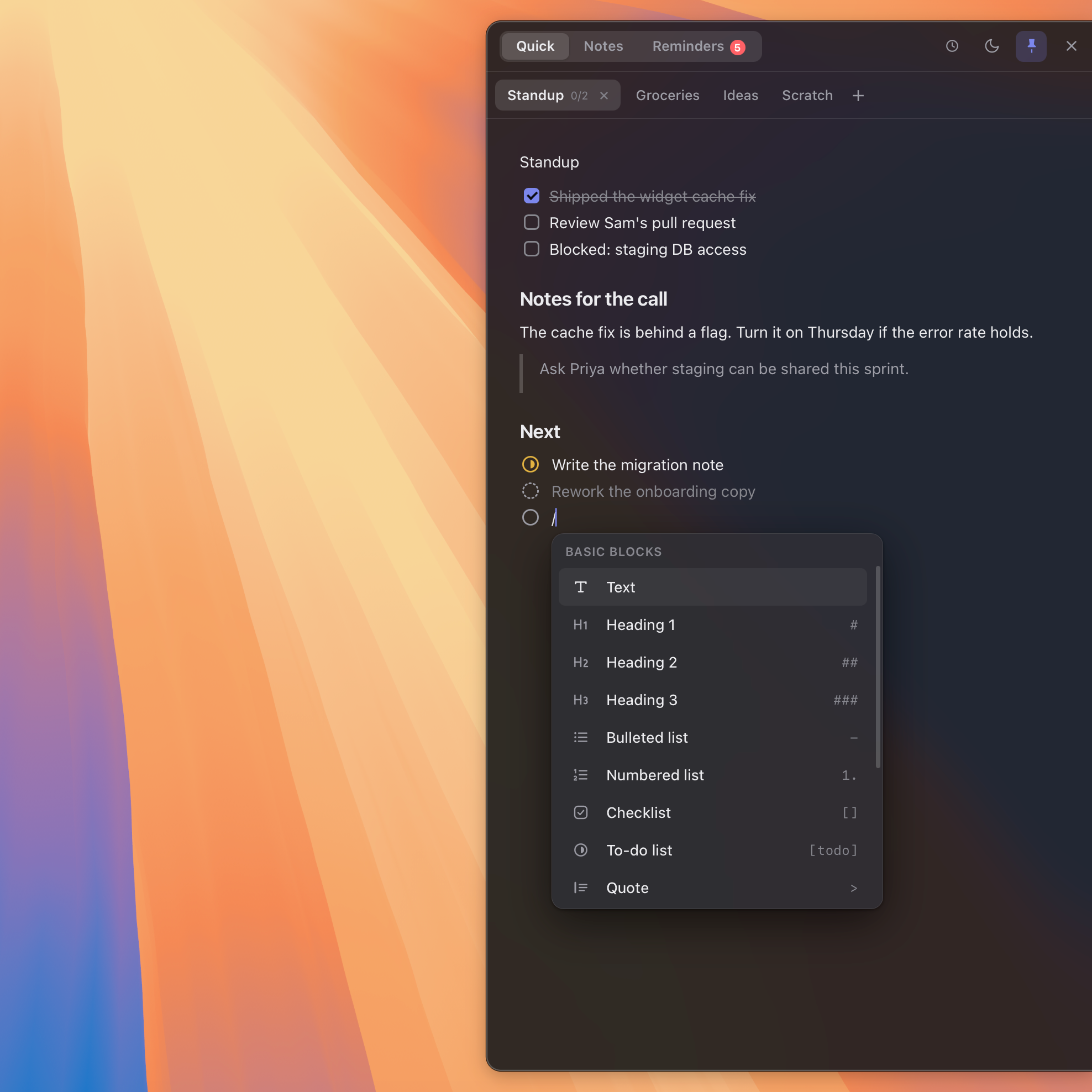
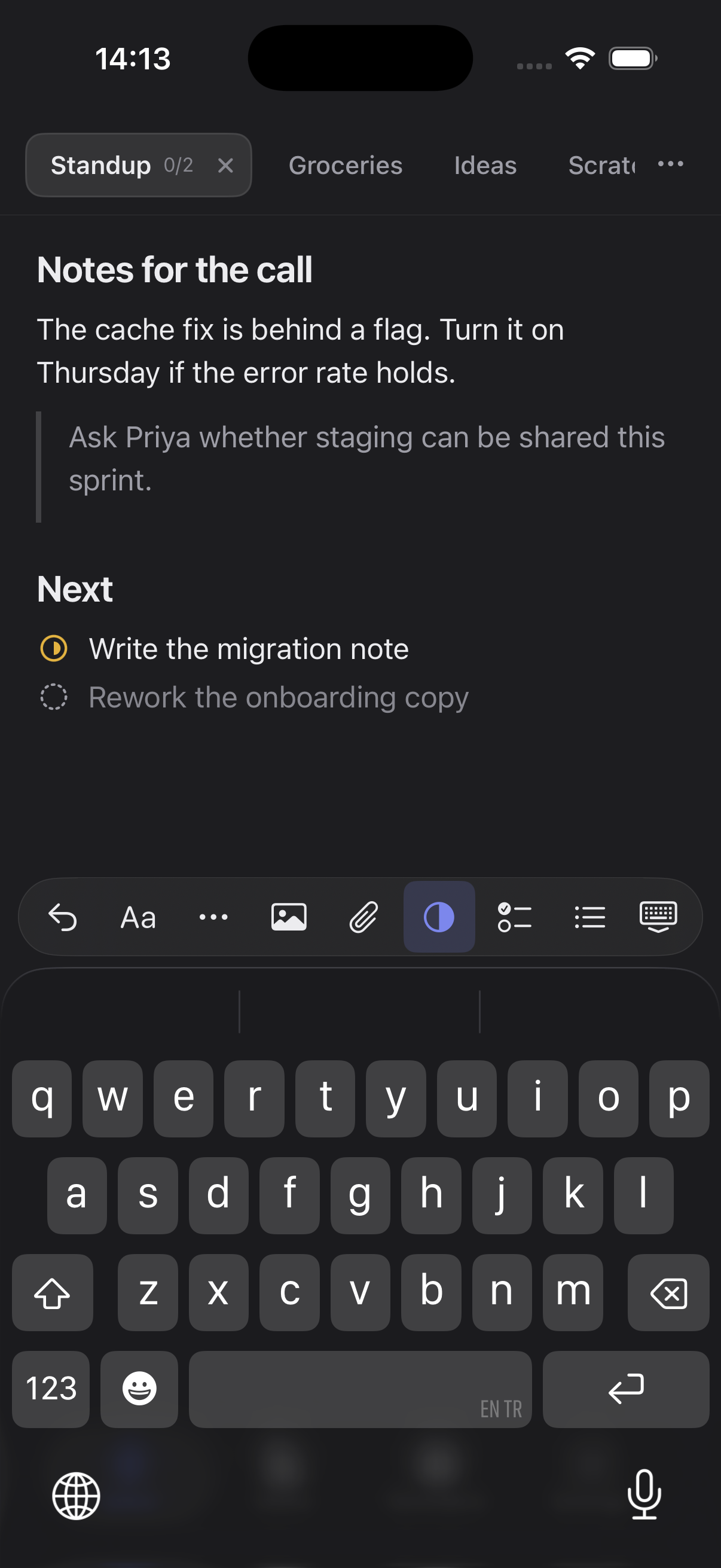
Sync starts off. Flyout works on iPhone and iPad without a Mac.
Write locally, decide what to lock, and switch on iCloud only when you want it.
Your notes are stored on your device. Writing does not require a network connection.
Optional sync uses your private iCloud account. Your notes do not pass through Flyout servers.
Protect a note with password-based encryption. Enable Face ID or Touch ID on supported devices for convenient unlocking.
Seven days with every feature unlocked. Then choose the one-time purchase that fits your devices.
iPhone + iPad
Choose the mobile purchase in the app to use Flyout on iPhone and iPad. See your local price in the App Store.

Mac + iPhone + iPad
Choose the combined purchase in the app, or buy the web license here for five devices total across Mac, iPhone and iPad.
See the Mac + Mobile licenseAlready bought Flyout here? Use your checkout email in the iPhone or iPad app to activate your license.
No. Flyout works on its own on iPhone and iPad. The mobile purchase is available in the app.
Flyout locks until you buy it. Your notes are not deleted, keep syncing if iCloud sync is on, and can be exported as Markdown from the purchase screen. There is no automatic subscription.
Yes. A license bought here covers five devices total across Mac, iPhone and iPad. Use your checkout email in the mobile app.
No. Sync starts off. To sync between iPhone, iPad and Mac, use the same Apple Account and enable iCloud sync in Flyout on each device.
Yes. Flyout has a native iPad layout on iPadOS 18 or later: the note list and editor sit side by side in wide windows, with a single column in narrow windows.
Yes. Your notes are stored locally. iCloud sync needs a connection; it does not have to be enabled to write.
Try every feature for 7 days · iOS 18+ / iPadOS 18+